

Collect products for your projectinteriorrenovation — without manual copying — in one click — automatically
Found furniture or materials on a store website — save it to your collection. Photos, price, and link are added automatically.
Works with any online store
Collecting products takes hours — when it could take minutes
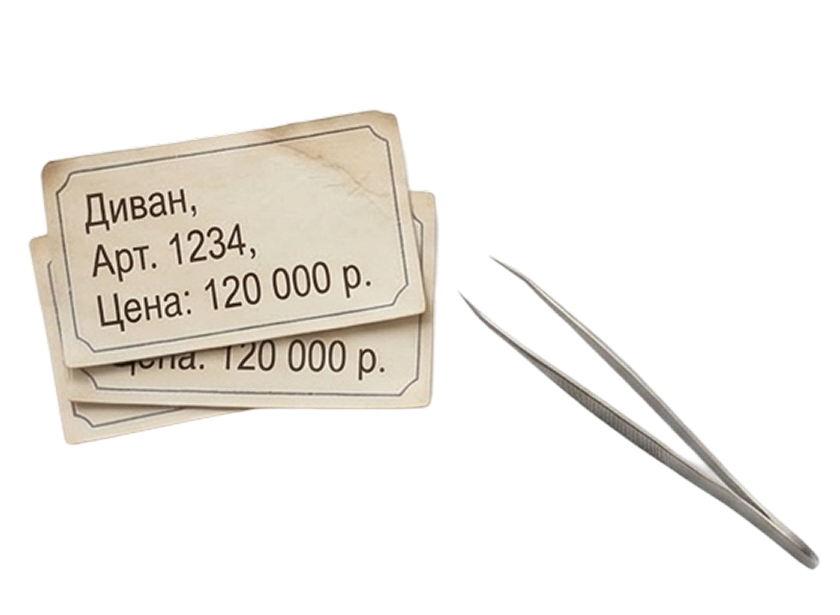
Copying everything manually
Found a sofa — copy the name, copy the price, copy the link. Separately. For every single item.

Downloading photos one by one
Save images, rename them, paste them in. One project means dozens of products.

Assembling it all by hand
An hour of work goes not into design, but into filling out a spreadsheet.
Three steps instead of three hours
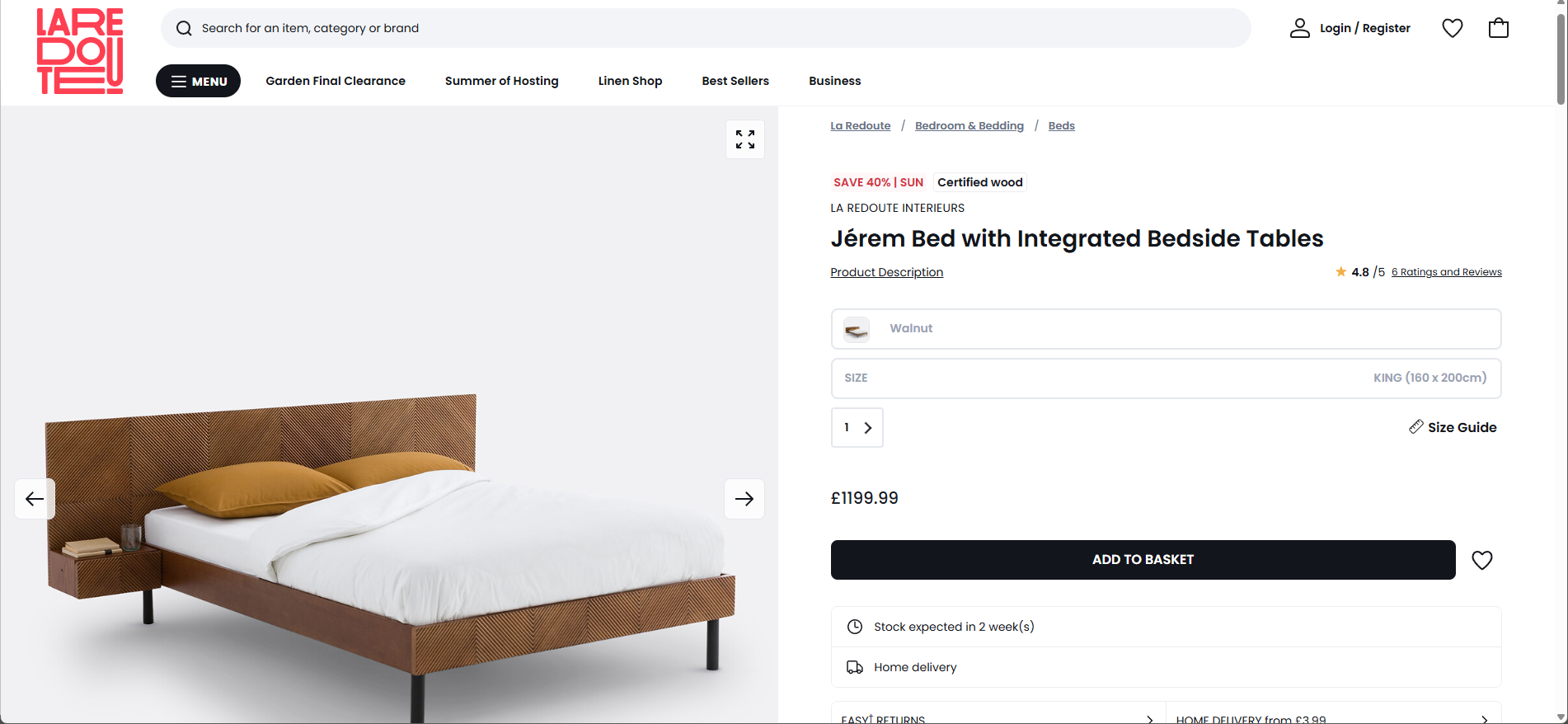
Open a store website
Leroy Merlin, Dantone Home, OZON — or any other.
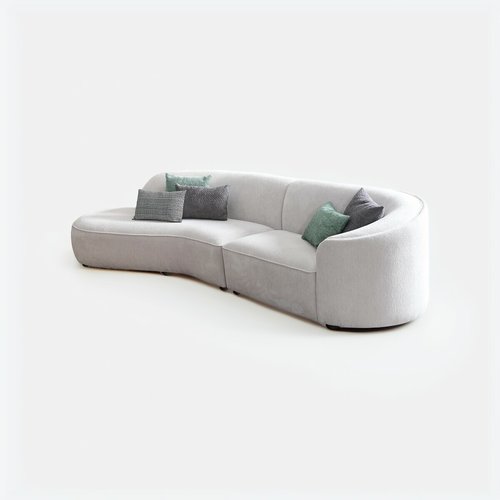
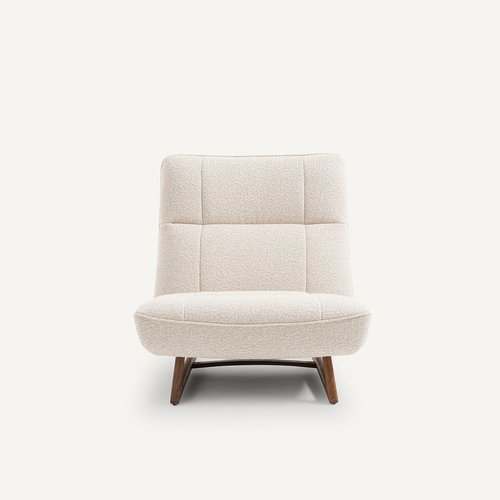
Select photos below

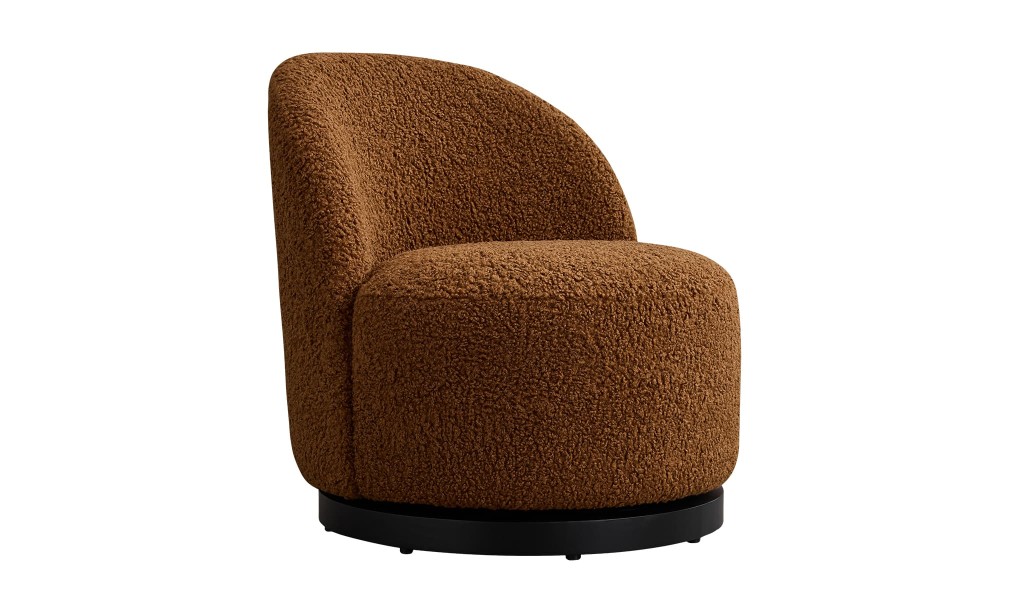
Click the browser button
One click — and the product is added to your project.
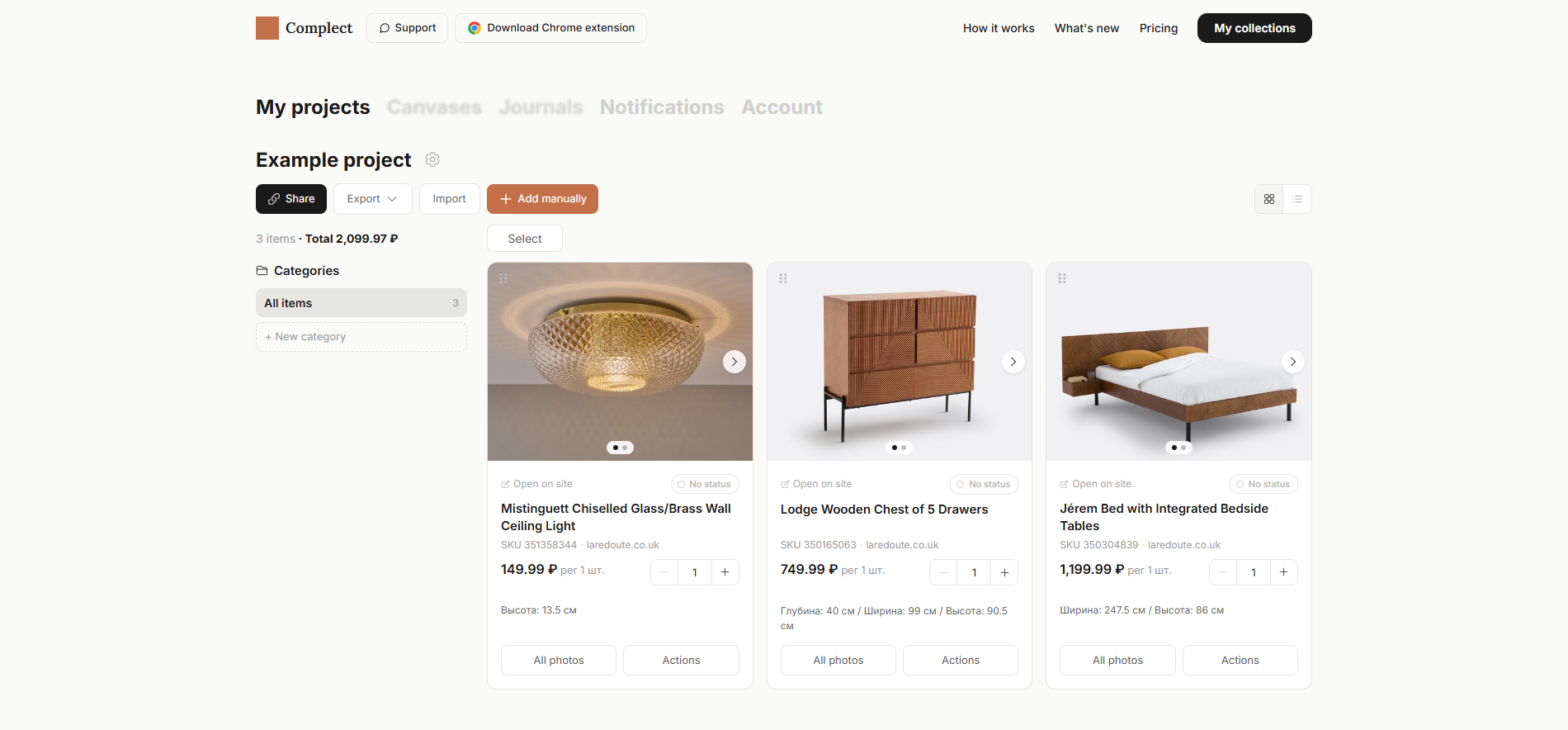
It's already in your collection
Photo, name, price, and link — saved automatically.
Everything for a project — in one place
Cards with photos, prices and dimensions. Export to Excel or PDF in one click.
Who it helps



Interior designers
You source products yourself — you'd rather spend time on design, not spreadsheets.
Design studios
Multiple projects at once — all materials need to be organized and at hand.
Procurement specialists
One project can have dozens or hundreds of items. Collecting each one by hand is simply not an option.
Saves everything. Automatically.
Everything fills in automatically
When you save a product, the extension pulls all the data — no manual entry needed.
Multiple projects
Each object or client gets its own collection. Nothing gets mixed up.
Export to PDF and Excel
The finished collection exports with one click and goes straight to your client.
Any store
Works on Leroy Merlin, OZON, Dantone Home and any other website.
Try it for free
Sign in and start collecting products right now.
Free plan — no time limits.
Frequently asked questions
Which stores are supported?
Any online store — Wildberries, Ozon, Leroy Merlin, Hoff, Dantone Home, IKEA, and thousands more. The extension parses any product page.
How much does it cost?
The core is free, with no limits on projects or products. A paid plan with extra features is in development; we will announce the price in advance.
How do I get started?
Sign in with Yandex or a link sent to your email, install the Chrome extension — and you can start adding products.
Is my data safe?
We only save what you add to a project yourself. Nothing more.